Advanced Inventory System using VBA
A comprehensive inventory system built in Microsoft Access to streamline operations with role-based access and VBA automation.
Under Construction

Login screen with user authentication.
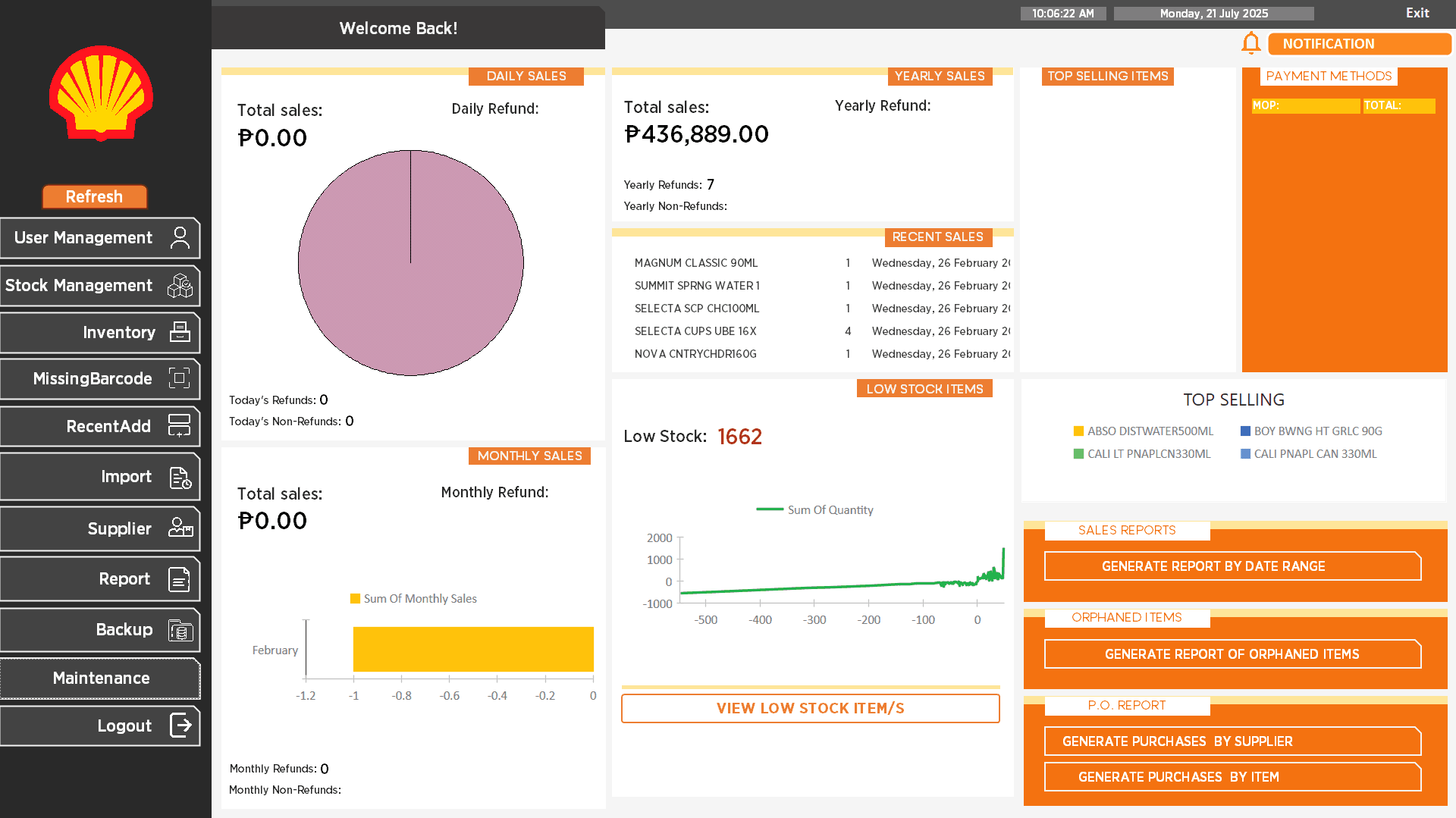
Main dashboard with navigation for different system modules.
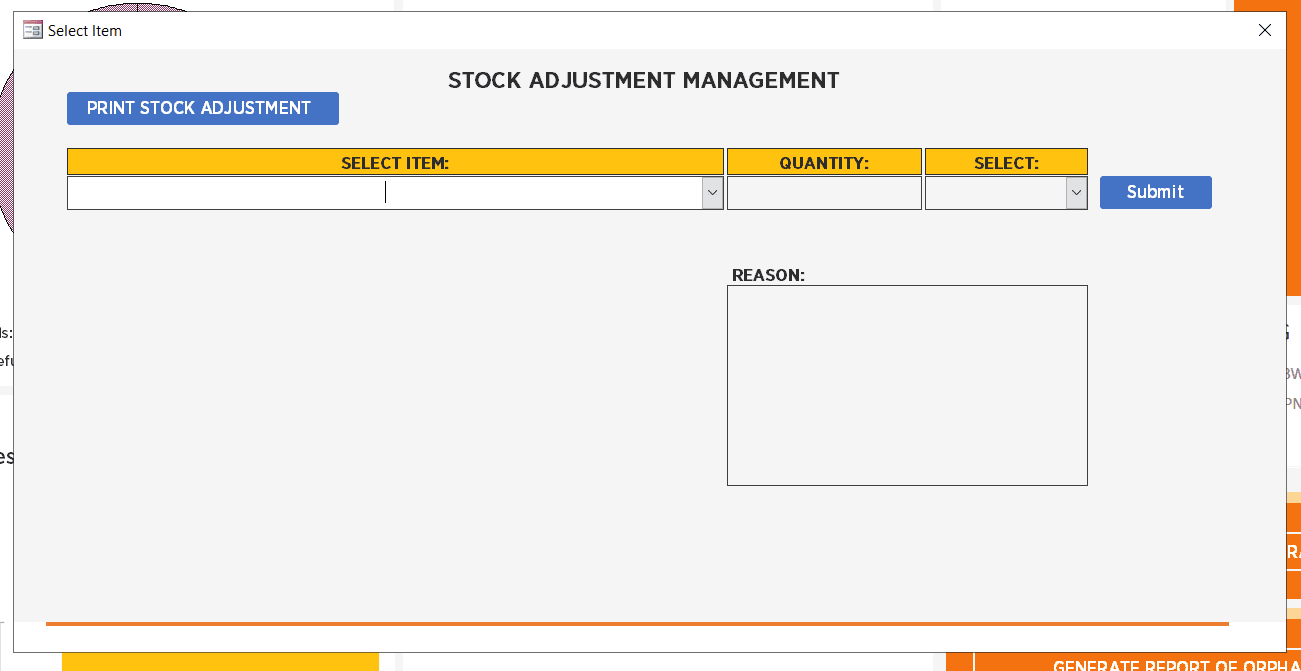
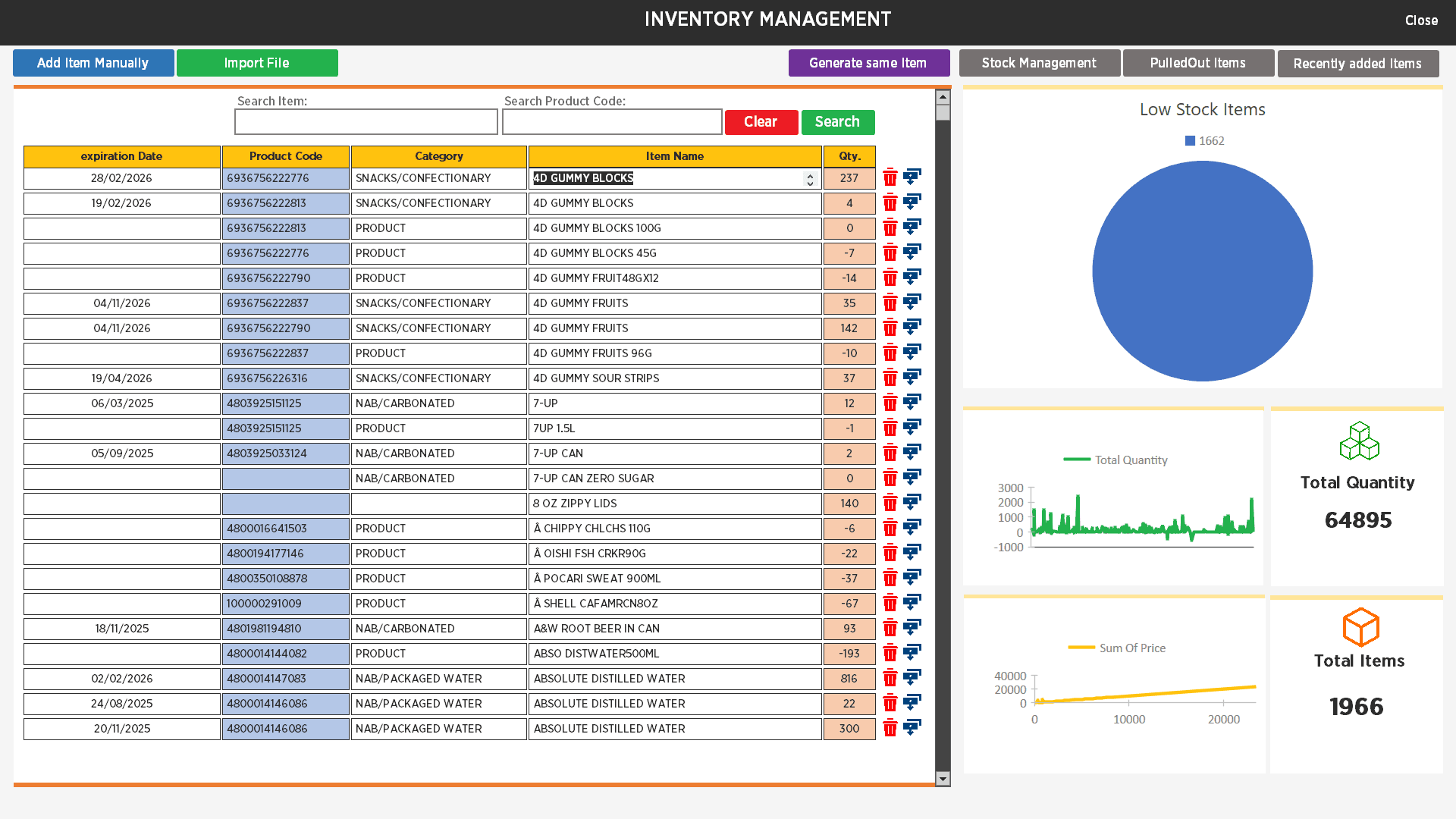
Inventory management view with product details.
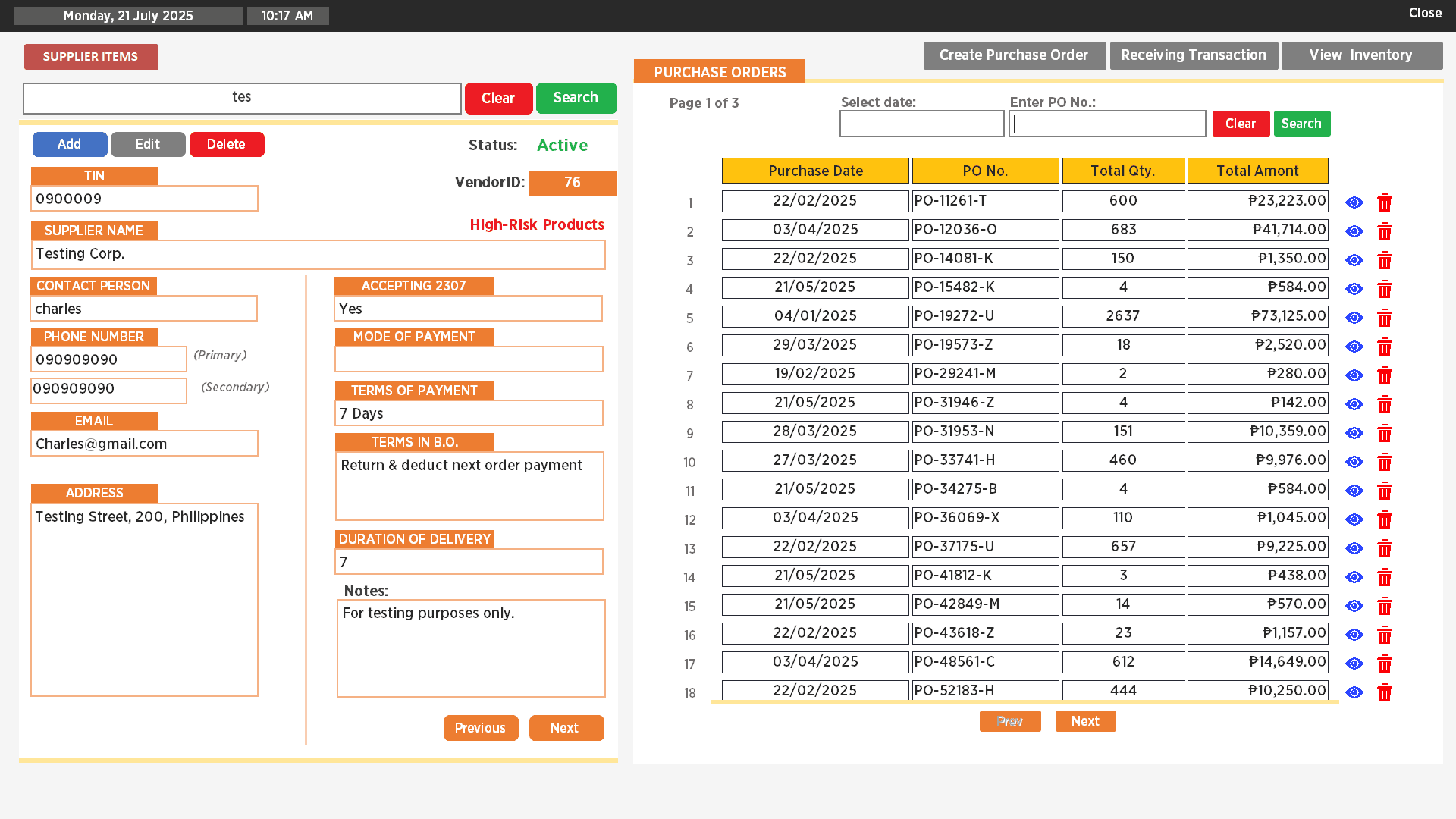
Reporting module for generating stock reports.
User account management screen for administrators.
The Problem
Businesses often require a robust inventory system with granular user permissions, but custom software can be expensive. A solution was needed that could provide detailed control and automation within a cost-effective, familiar platform.
The Solution
I designed and built a multi-user inventory system in Microsoft Access. The system features three distinct user roles (Admin, Manager, User), each with specific permissions. VBA is used extensively to automate tasks like data import from Excel, report generation, system backups, and to create an intuitive user interface with custom forms and logic for managing inventory, purchase orders, and user accounts.
Role: Access/VBA Developer & System Architect
Key Responsibilities:
- Admin Role: Full system control, manage inventory, track products (including missing barcodes), view recent additions, import from Excel, generate reports, perform backups, and manage user accounts.
- Manager Role: Access most features, manage stock movement, handle tracking and reporting, perform data imports and backups (cannot manage users).
- User Role: View inventory, manage stock movement, create and track Purchase Orders (POs), generate reports, import Excel data, and perform system backups.